
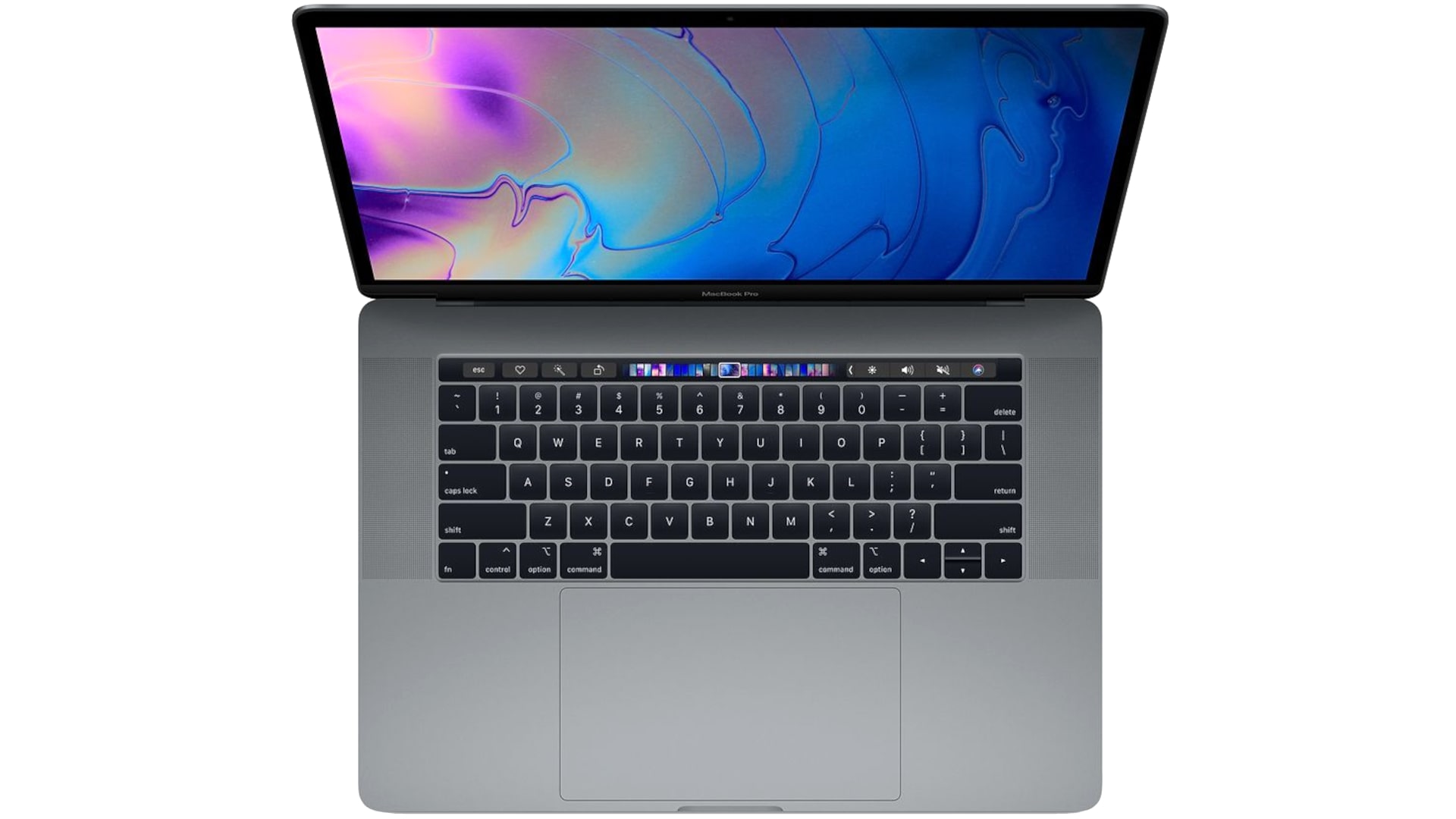
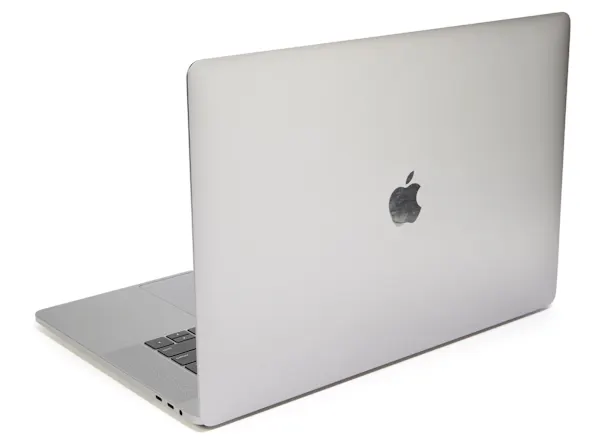
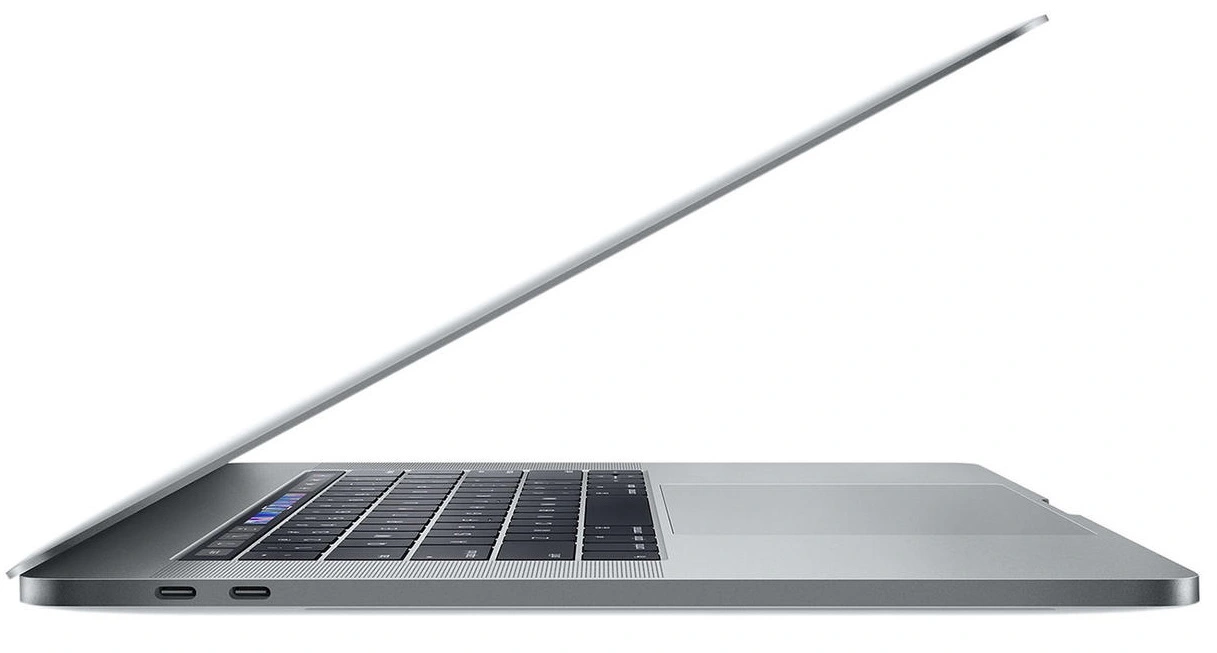
In this article, I give you my Apple MacBook Pro 15-Inch (2018) review with specs included. This looks physically identical to the 2016 and 2017 15-inch MacBook Pro. So no casing redesign here. What does that mean?
FROM HERE>>>
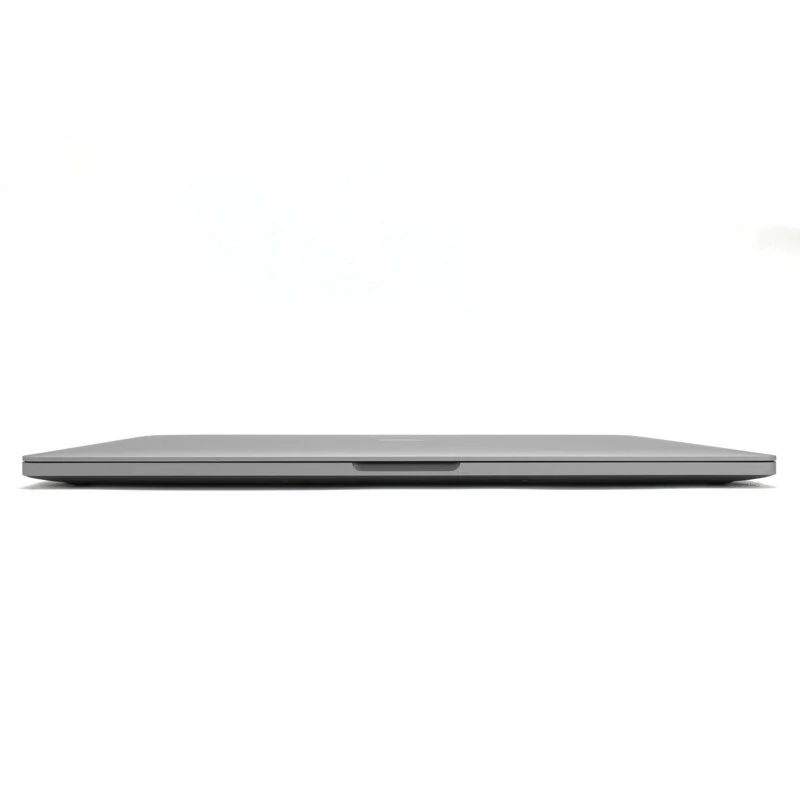
The 2018 15-inch MacBook Pro retains the ultra-thin (15.5mm) and lightweight (4.02 lbs / 1.87 kg) chassis of the 2016–2017 generation. It updates the internals to Intel’s 8th-generation 6-core 45W Coffee Lake CPUs and adopts DDR4 RAM. To counter the higher power draw of DDR4, Apple increased the physical battery capacity to maintain previous runtimes.

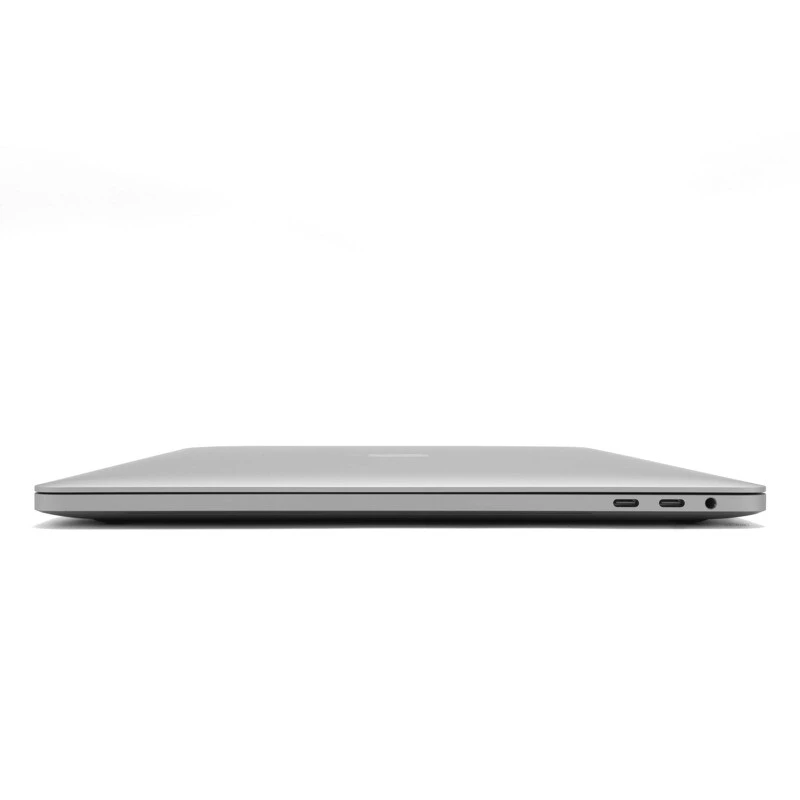
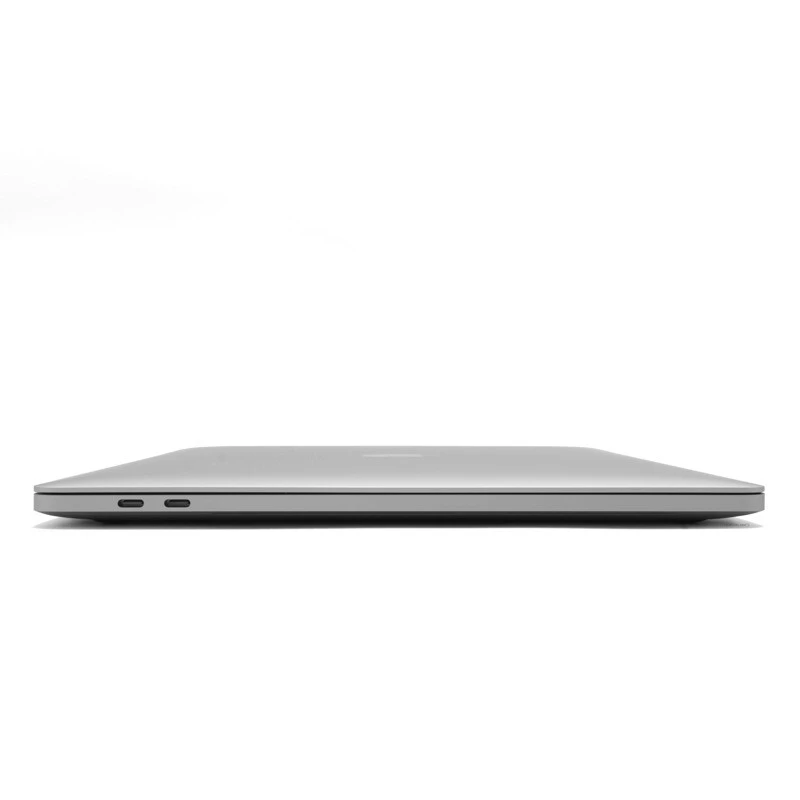
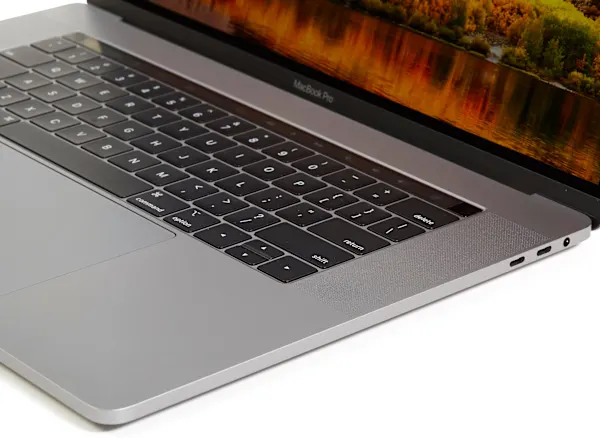
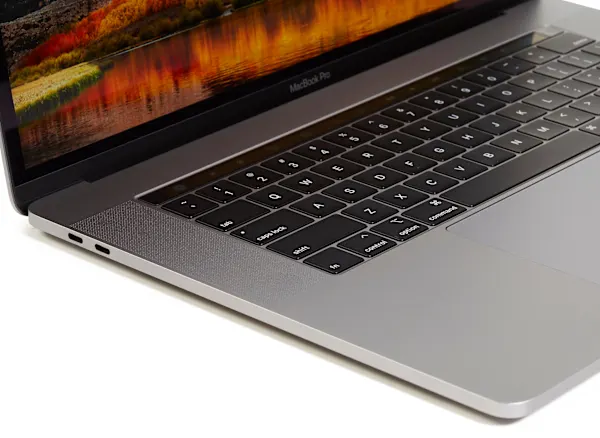
External connectivity remains strictly limited to four Thunderbolt 3 ports, requiring dongles for legacy accessories. Every critical internal component—including the RAM, SSD storage chips, and Wi-Fi card—is permanently soldered to the logic board, making aftermarket user upgrades impossible.
Key Component Analysis
1. Keyboard and Touch Bar
- The 3rd-Gen Butterfly Mechanism: Apple added internal silicone baffles beneath each key. While officially designed to dampen the loud typing acoustic noise, this barrier closely mimics Apple’s patented dust-ingress protection system. It aims to prevent internal debris from causing key failures. Key travel remains extremely shallow.
- The Touch Bar: The OLED strip returns with limited daily utility, functioning best for niche tasks like scrubbing timelines in Final Cut Pro or navigating video playback.
2. Display and SSD Performance
- Screen Quality: Though lacking 4K resolution, the display remains a market leader in color accuracy and software-level calibration.
- Storage Benchmarks: The PCIe SSDs deliver read/write speeds on par with top-tier consumer drives like the Samsung 970 Evo. Apple uses specific file-system optimization tricks to make tasks like file duplication look exceptionally fast on benchmarks, though real-world write speeds are simply standard for high-end NVMe storage.
3. Graphics, Thermals, and CPU Options
- Base Model ($2,400): Features a 2.2GHz Core i7-8750H, 16GB RAM, a restrictive 256GB SSD, and an AMD Radeon Pro 555X (35W) GPU. The GPU offers minor clock-speed boosts optimized to balance heat output against strict sub-100W charging limits.
- Mid-Tier Model ($2,700): Bumps specs to a 2.6GHz Core i8850H and a Radeon Pro 560X with a 512GB SSD. Both graphics options feature 4GB of GDDR5 VRAM.
- Thermal Reality: The high-wattage 6-core CPUs produce significant thermal load within the thin chassis, requiring software management rather than extreme physical cooling workarounds. The optional Core i9 upgrade adds high cost but faces thermal throttling constraints.
Value Assessment and Market Comparison
The “Mac Tax” has significantly worsened due to stagnant baseline specs relative to cost. In 2012, a $2,500 MacBook Pro included a dedicated GPU, 16GB RAM, and a 512GB SSD, which were cutting-edge capacities at the time. By 2018, the entry-level $2,400 configuration offered only a 256GB SSD.
[Base Model: $2,400] ──> 256GB SSD / 16GB RAM (Underpowered for Pro workflows) [Sweet Spot: $2,700] ──> 512GB SSD / 2.6GHz i7 (Recommended minimum for creators) [Upgraded: $3,700] ──> 1TB SSD / 32GB RAM (Price equivalent to two Dell XPS 15s) [Max Storage Upgrade] ──> +$2,800 for a 4TB SSD (Unprecedented capacity, extreme premium)
Apple charges a premium $400 tier for each major component upgrade (such as moving from 16GB to 32GB of RAM, or jumping to the Core i9 processor). As a result, mid-to-high configurations quickly become hundreds of dollars more expensive than rival Windows machines like the Razer Blade 15 or Dell XPS 15. This makes external storage expansions the only financially practical choice for most buyers.
Component Integration and Security
1. Internal Architecture and Repairability
- Glued Batteries: The internal battery architecture uses individual cells glued directly to the upper aluminum casing, a layout reminiscent of the Microsoft Surface Book.
- Zero Self-Service: Apart from a relatively accessible trackpad, the device is completely locked down against home user repairs or modifications.
- Apple T2 Coprocessor: Replacing the previous T1, this custom security chip handles Touch ID processing, powers the Touch Bar, and offloads cryptographic operations to accelerate system-level file encryption.
2. Peripherals and Inputs
- Webcam and Security: The display bezel houses a legacy 720p FaceTime camera, missing out on modern Face ID biometric authentication found on the iPhone.
- Trackpad: The oversized trackpad retains Force Touch haptic feedback and offers flawless software palm-rejection.
- Refined Keyboard: The third-generation butterfly keyboard offers a crisp, tactile typing response. It mimics the ultra-short-travel experience of the Dell XPS 15 2-in-1 MagLev keyboard. It operates with a much quieter acoustic profile than previous generations.
Display Engineering
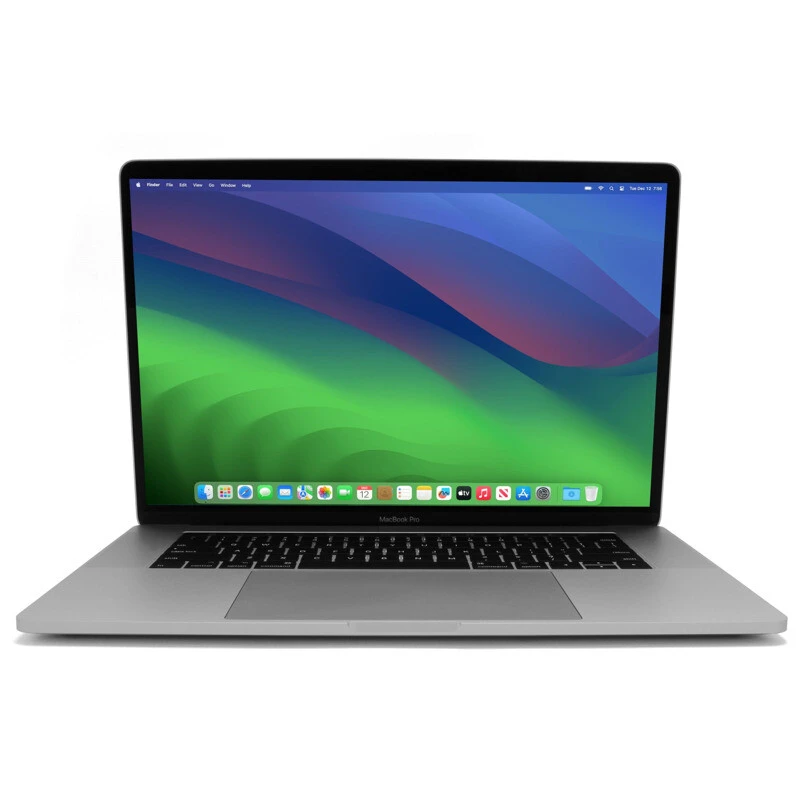
The 15-inch 2880 x 1800 (16:10 aspect ratio) glossy display features a highly durable, low-reflection anti-glare coating. Its performance characteristics include:
- Color Gamut: Full P3 color-space coverage alongside standard sRGB and Adobe RGB accuracy (hitting 91% of Adobe RGB, rivaling Dell’s 4K screens).
- System-Wide Color Management: Unlike Windows 10, macOS actively manages wide-color gamuts natively, ensuring standard applications do not look oversaturated or unnatural.
- UI Scaling: Operating-system-level scaling eliminates text sizing bugs common on high-resolution Windows panels.
- True Tone Integration: Migrated from the iPad Pro, an ambient sensor adjusts white balance automatically to warmer hues in dark rooms, reducing blue-light strain.
- Display Support: The graphics subsystem drives up to two external 5K displays or four 4K displays concurrently at 60Hz.
Thermal Limitations and CPU Realities
1. The Core i9 Marketing Illusion
Intel’s high-end Core i9 processor option (6 cores, 12 threads) features the same basic architecture and cache layout as its 8th-gen Core i7 equivalents. The premium chip features higher factory clock speeds (2.9GHz base, up to 4.8GHz Turbo Boost).
However, real-world benchmarks—such as Handbrake video transcodes or Blender rendering tasks—show that the MacBook Pro cannot sustain prolonged Turbo Boost frequencies. Due to its ultra-thin chassis and inadequate cooling, it often falls a full minute and a half behind Windows alternatives like the Razer Blade 15 or the budget Dell G7 running on a Core i7.
[MacBook Pro Thermal Ceiling] └── Aggressive CPU Heating ──> Hits 99°C rapidly under load └── Stock Apple Fan Profile ──> Runs fans slow & quiet ──> Massive Thermal Throttling └── Third-Party Fix ──────────> “Macs Fan Control” App ──> Forced Early Fan Ramp-Up (Drops internal temps 5°C – 10°C)
2. Overriding Stock Fan Profiles
Apple tunes its fans to prioritize a quiet user experience, letting internal silicon run hot (up to 99°C) before ramping up fan speeds. While the lower aluminum case remains warm rather than scalding, it starves the CPU of thermal headroom.
To bypass this bottleneck, users can install third-party management tools like Macs Fan Control to replace the outdated SMC Fan Control utility. Programming the fans to trigger at 65°C and reach maximum velocity by 82°C lowers core temperatures by 5°C to 10°C. This allows the processor to maintain its advertised base speeds and utilize short bursts of Turbo Boost.
Industry-Wide Thermal Constraints
1. Cross-Platform Comparisons
The 2018 15-inch MacBook Pro heavily throttles its sustained processing clock speeds compared to rivals. Windows alternatives, like the Razer Blade 15, sustain all-core frequencies around 3.3GHz under continuous heavy usage. Conversely, the MacBook Pro’s aggressive thermal throttling frequently drops its clock speeds into a fluctuating range between 2.0GHz and 3.0GHz. [1]
2. Shared Six-Core System Challenges
Apple is not alone in its cooling shortcomings. Moving from four CPU cores to six across the laptop industry generated severe heat spikes that older, un-redesigned laptop chassis couldn’t handle. For example, the 2018 Dell XPS 15 experiences similar thermal choke points. Even the high-end Core i9 version of the Razer Blade 15 spikes to a scorching 96°C when running demanding games—just a few degrees shy of Intel’s hard 100°C maximum threshold. Apple mitigates this by restricting CPU Turbo Boost headroom to keep the machine physically cooler and quieter than its peers. [1, 2]
Software Optimization Dynamics
1. Software Workflow Distinctions
- Final Cut Pro: Creatives using Apple’s proprietary software will find the machine incredibly fast. Apple heavily optimizes Final Cut Pro for macOS. It maintains safe internal hardware temperatures and performs remarkably well without any manual fan intervention. [1]
- Adobe Premiere Pro: Adobe’s ecosystem remains notoriously unoptimized for this specific MacBook generation. Premiere Pro performs poorly on macOS here; users who rely entirely on the Adobe suite will get significantly better real-world performance out of a Windows workstation.
[Software Environment Choice] ├── Final Cut Pro ──> Highly Optimized ──> Excellent choice for macOS users └── Adobe Premiere ──> Unoptimized ─────> Better off buying a Windows laptop
2. Gaming Capabilities and Performance Limits
This is not a gaming machine. The upgraded Radeon Pro 560X graphics card delivers a performance profile roughly equivalent to an entry-level NVIDIA GTX 1050. Most modern games are optimized for NVIDIA architecture rather than AMD, further limiting performance. [1, 2]
- Fortnite (High Settings): Delivers an unplayable 35 to 38 frames per second (FPS).
- Fortnite (Medium Settings): Stabilizes at a smooth, consistent 60 FPS. [1]
Note: Benchmarking this hardware inside Windows Boot Camp is generally unproductive. Apple rarely prepares stable, Day-1 Boot Camp graphics drivers during launch windows. These generic drivers lack macOS-level optimizations and completely block advanced platform features like switching to integrated graphics to save power. [1]
Power, Logistics, and Overall Value
1. Real-World Battery Life and Power Logistics
- Daily Endurance: The machine delivers around 8 hours of battery life during moderate mixed use like Photoshop editing, web browsing, and video streaming. Battery longevity drops drastically when rendering high-resolution video timelines or gaming. [1, 2]
- Hardware Capacity: Apple expanded the battery configuration to an 83.7-watt-hour cell solely to cancel out the higher power consumption of the newer DDR4 RAM. [1, 2]
- Charging Constraints: The system utilizes a standard 87W wall brick. Because it pulls under 100W, it fully supports single-cable charging directly through standard Thunderbolt 3 docks.
- The Charging Box Premium: Apple no longer includes the extended AC power cable in the box. Users who want more distance from an electrical outlet must purchase the official extension cord separately. [1]
2. The Final Verdict: A Mixed Bag
The 2018 15-inch MacBook Pro remains a deeply polarizing hardware release. It cannot be written off as an outright failure, but it commands a massive price premium that grows out of hand once custom storage or memory upgrades are added. [1, 2, 3]
| Strengths [1, 2, 3, 4] | Weaknesses |
|---|---|
| Highly stable macOS ecosystem with smooth software updates | Extremely difficult to repair or service at home |
| Industry-leading color-accurate display with native system color management | Zero aftermarket hardware component upgrade paths |
| Loud, full-bodied internal speakers that outclass Windows competitors | Premium pricing on component configurations |
| A physically quiet and cool-to-the-touch aluminum chassis | Heavy thermal throttling on high-end processor specs |
Apple MacBook Pro 15-Inch (2018)
-
Performance - 95%95%
-
Price - 93%93%
-
Value - 94%94%