
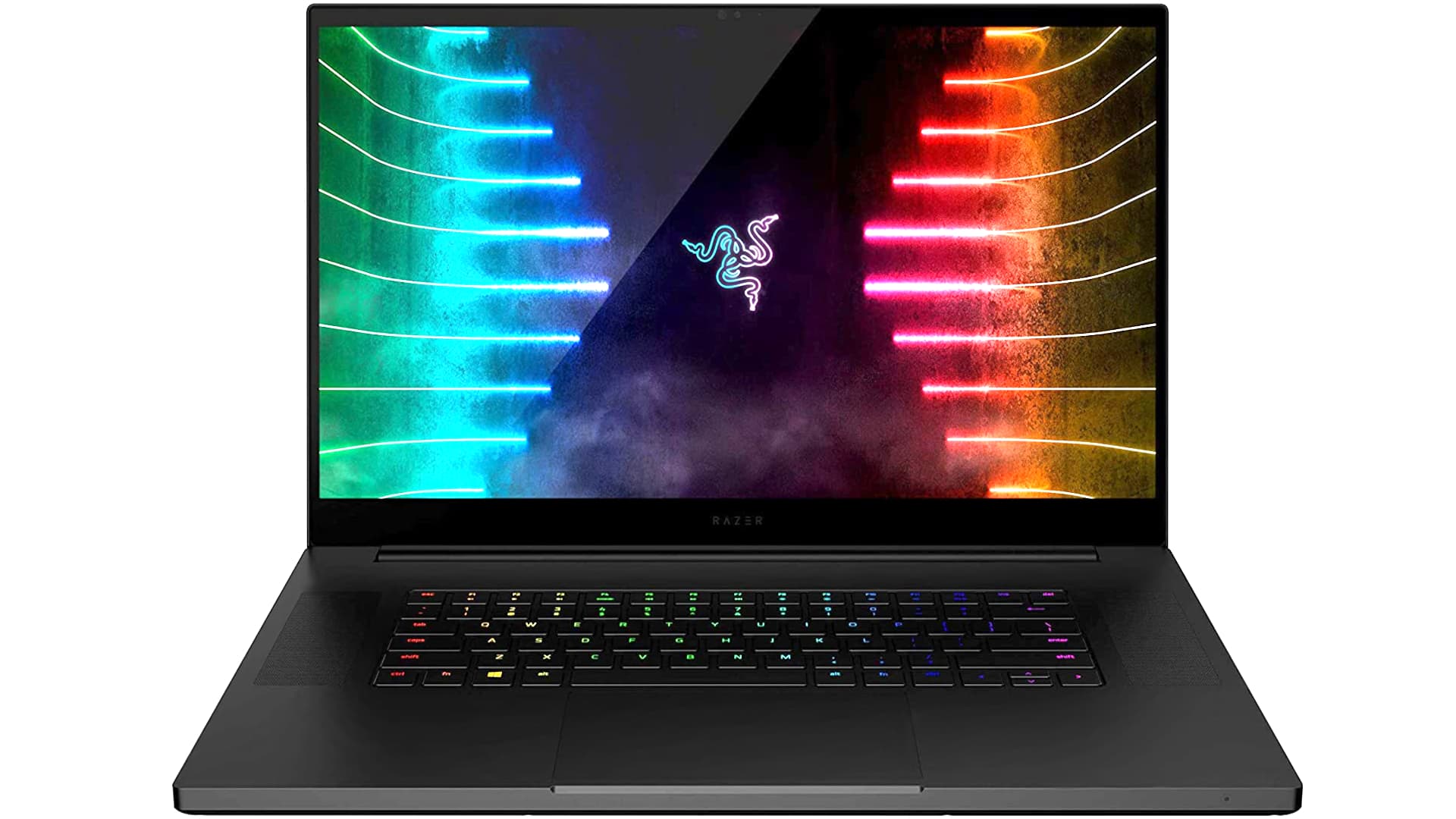
In this review, I share my thoughts on the Razer Blade Pro 17 from early to mid 2021. This model carries forward much of the design from previous generations but now incorporates Nvidia RTX 3000 series graphics options, including the RTX 3060, 3070, or 3080. It remains a premium, thin and light 17-inch gaming laptop that balances performance with portability and professional appeal.
Razer keeps configuration choices relatively straightforward. The CPU is fixed as an Intel 10th generation Core i7 10875H eight-core processor, which strikes a smart balance since higher-tier Core i9 options deliver only marginal gains at the cost of significantly more heat. GPU choices range across the RTX 3000 lineup, all configured at around 100 watts, making them suitable for the slim chassis without excessive thermal issues.
| Name | Razer Blade Pro 17 (2021) |
| Display | 17.3″ – 360Hz, Full HD, 300 nits,100% sRGB, 3ms, 165Hz, QHD, 381 nits, 100% sRGB, 77% Adobe RGB, 81% DCI-P3, 2.2 Gamma, 7300K, 0.37 Black level, 1040:1 Contrast, BOE09D9 Panel 120Hz, 4K, Touch, 400 nits |
| Processor | Intel Core i7-10875H, 45 Watt, 8-core |
| Graphics | Intel UHD Nvidia RTX 3060 6 GB / 3070 8GB / 3080 8GB, all at 100W |
| RAM | 16 GB / 32 GB, DDR4, 2933 MHz, 2 slots |
| Storage | 512 GB / 1 TB M.2 NVMe SSD, 2 slots |
| Connectivity | Intel Wi-Fi 6E AX210, Bluetooth 5.2 |
| Battery/Charger | 70.5 WHr battery, 230 Watt charger |
| Extras | Razer Chroma per-key RGB keyboard |
Display Options
Several display upgrades enhance the experience. The Full HD panel now supports an impressive 360 hertz refresh rate while a new QHD 165 hertz option provides an excellent middle ground for gamers seeking sharper visuals without the heavy demands of 4K. The 4K 120 hertz touchscreen remains available for those who prioritize resolution and touch input. A redesigned hinge improves rear airflow, helping to maintain better cooling under load.
The QHD panel I tested delivers pleasing performance with full sRGB coverage, solid contrast, and factory calibration that makes colors look natural and vibrant. Response times are fast, making it a strong choice, especially when paired with mid-to-high-tier GPUs.
Build Quality and Design
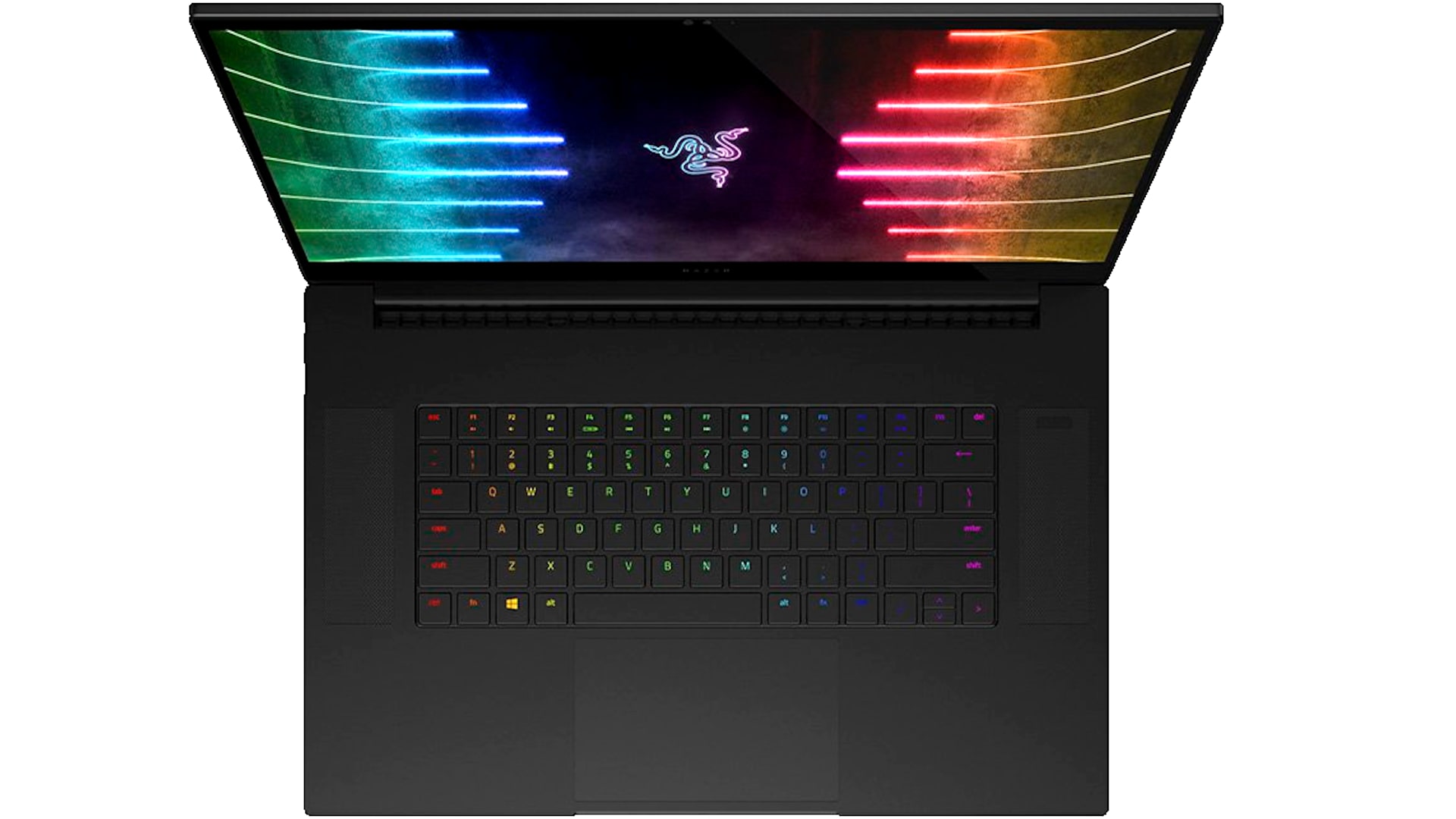
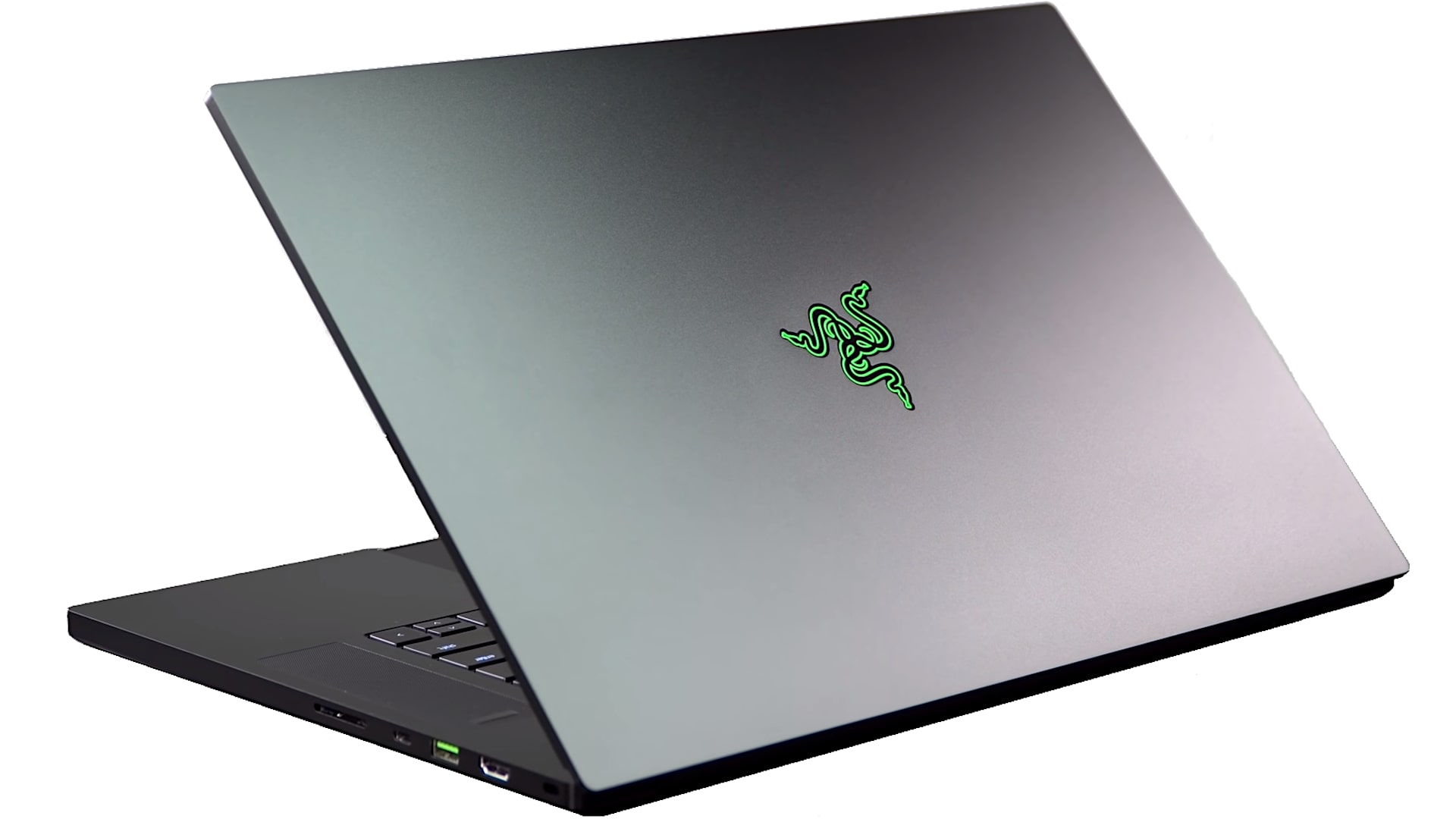
The Blade Pro 17 features Razer’s signature CNC machined aluminum chassis in sleek black. It feels premium and professional, resembling a Windows counterpart to a MacBook Pro while still delivering serious gaming capability. At around six pounds or 2.75 kilograms, it qualifies as thin and light for a 17-inch machine, making it easier to carry than bulkier competitors.
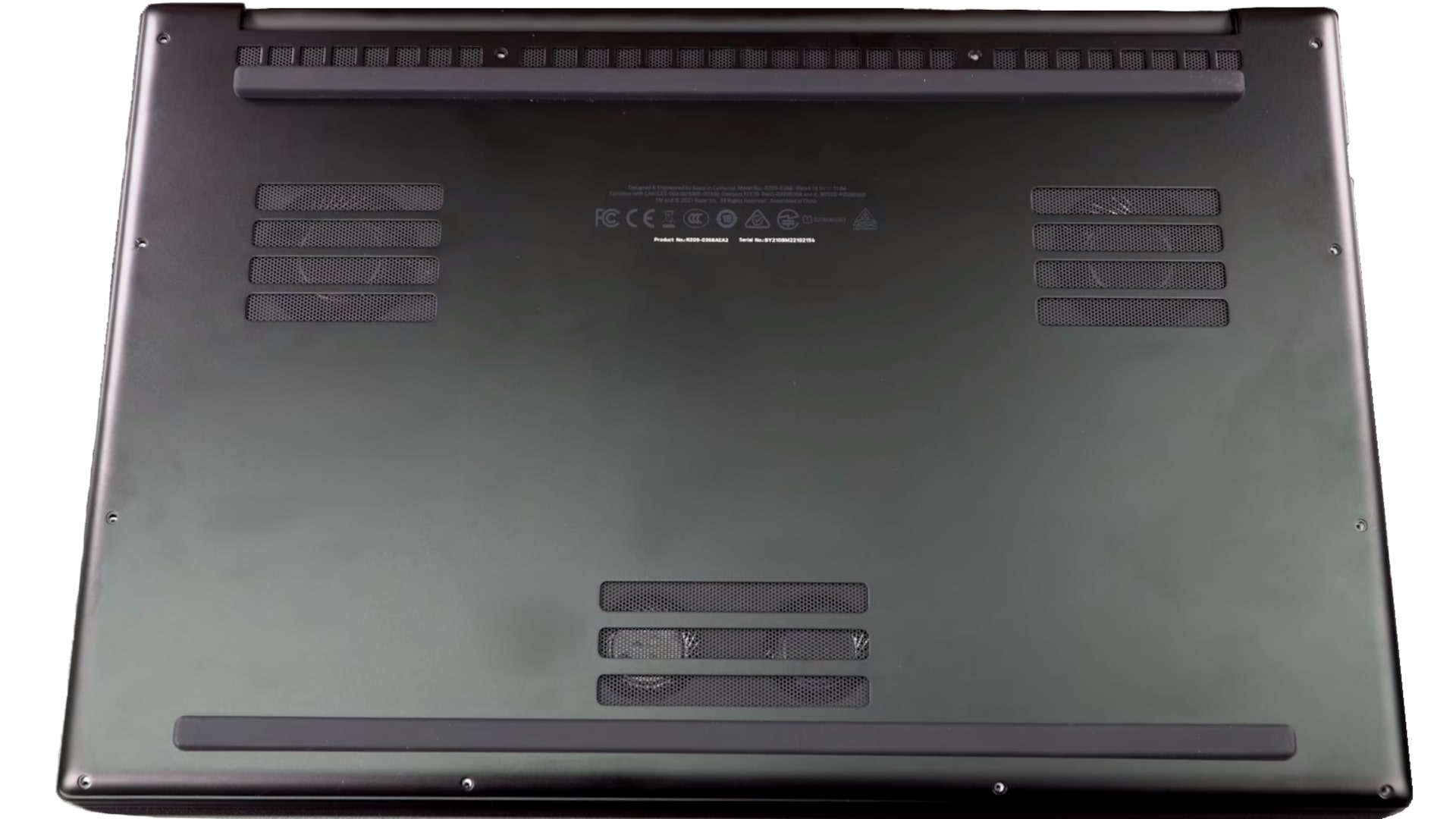
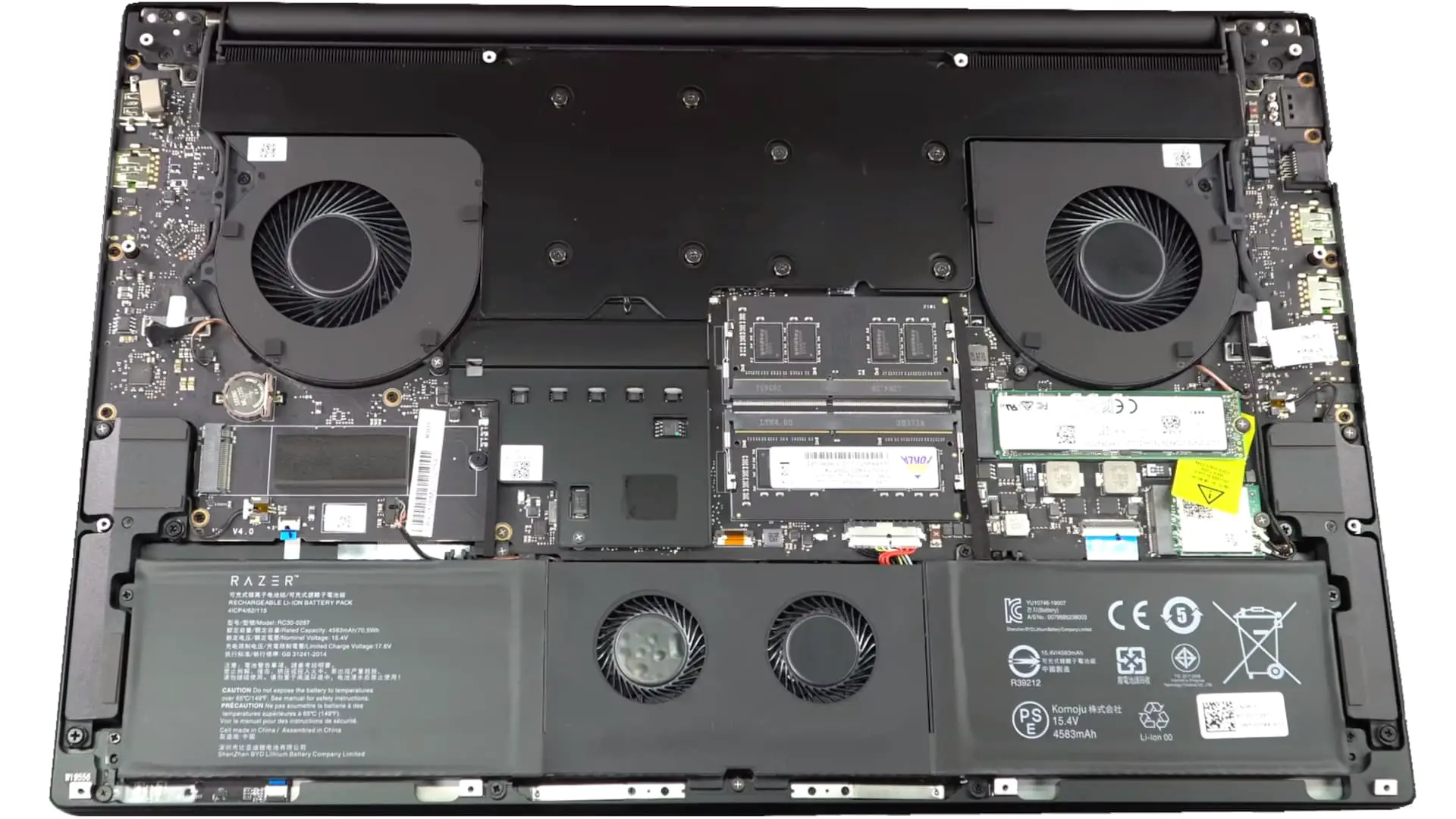
A vapor chamber cooling system helps manage temperatures alongside four fans: two main rear exhausts and two smaller ones positioned under the trackpad area. The updated hinge allows better airflow out the back, preventing the display from restricting exhaust. While the laptop still runs warm to the touch during demanding tasks, Razer applies conservative power and thermal limits, keeping internal CPU and GPU temperatures in check rather than pushing them to extremes.
Performance
The RTX 3000 series GPUs at 100 watts deliver solid performance for a portable machine, but they do not match thicker laptops like the MSI GE76 Raider with higher-wattage 155-watt GPUs. This is expected given the emphasis on slim design. The Blade Pro 17 excels as a versatile device for both gaming and professional creative work rather than raw maximum gaming power.
Graphics memory is 6 GB on the 3060 and 8 GB on the 3070 and 3080 models. While some competitors offer 16 GB variants, Razer sticks with the standard configurations. Features such as Resizable BAR, Nvidia Boost and Whisper Mode are fully supported, providing modern RTX capabilities.
In real-world testing, the RTX 3060 model handles QHD gaming adequately in many titles but struggles to maintain high frame rates in demanding games like Cyberpunk 2077 on ultra settings even with ray tracing disabled and DLSS enabled. Stepping up to the 3070 or 3080 unlocks smoother experiences at higher resolutions, making those better matches for the sharper displays.
Keyboard Trackpad and Connectivity
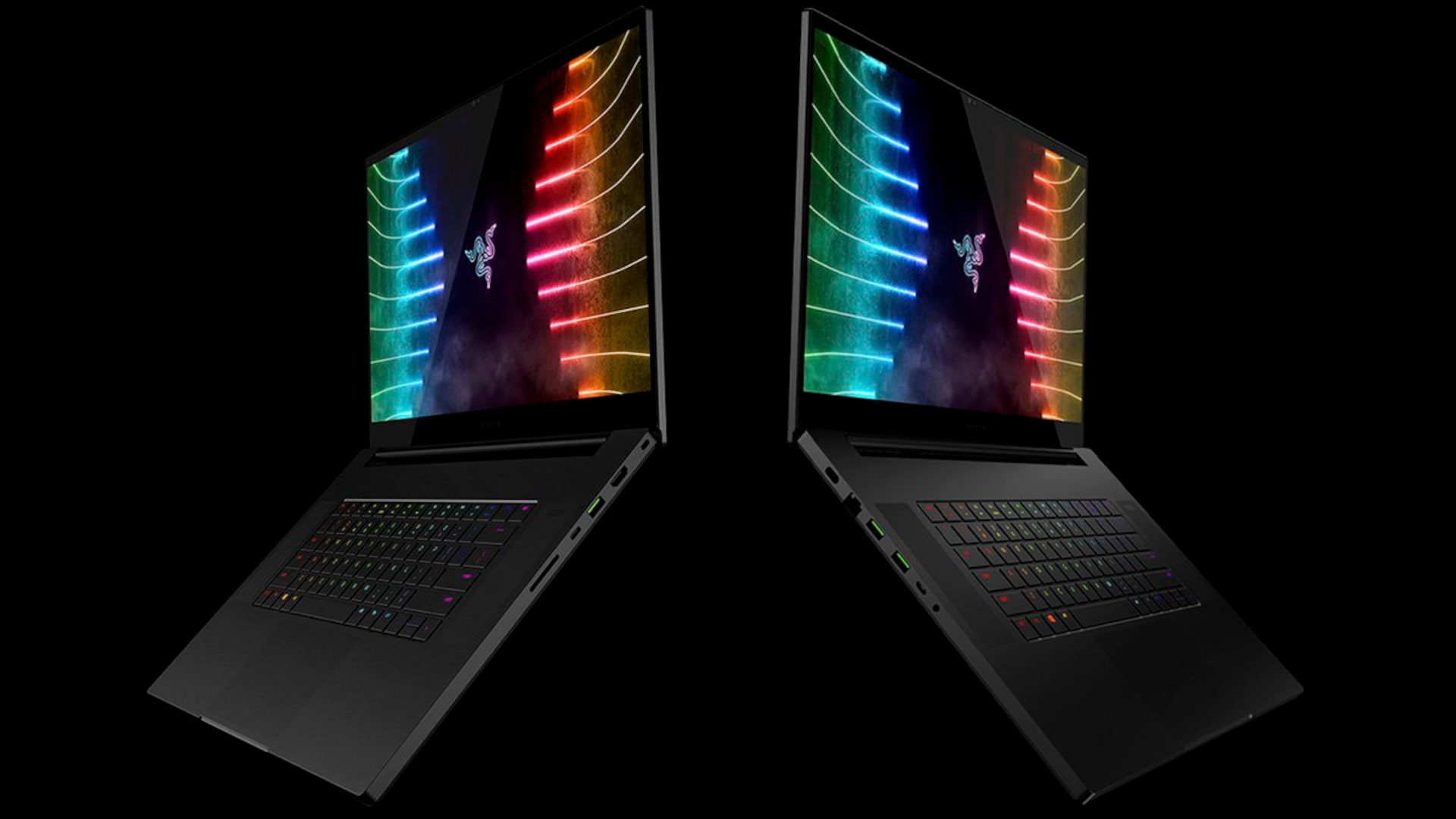
The per-key Chroma RGB keyboard offers bright backlighting and has improved over older generations with no noticeable PWM flicker. Key travel is relatively short with compact keycaps, but it remains comfortable for extended typing sessions. The large glass-surfaced Microsoft Precision trackpad feels smooth and responsive.
Port selection is generous and unchanged from previous models. It includes two Thunderbolt 3 ports supporting display output and charging, an Ethernet jack, a full-size SD card reader, multiple USB-A ports, and an HDMI 2.1 output which enables high refresh rate connections to compatible 4K 120-hertz displays. This comprehensive connectivity reduces the need for dongles in most setups.
Audio
The up-firing stereo speakers are unchanged from the prior generation. They produce clear sound with decent volume for the chassis size, though bass is somewhat limited. Given the fan noise during gaming, most users will prefer headphones anyway. The speakers suffice for casual media consumption and system sounds.
Battery Life
A 70.5-watt-hour battery paired with a 230-watt charger powers the system regardless of GPU choice. In Nvidia Optimus mode with the integrated graphics handling light tasks such as web browsing and video streaming at 200 nits brightness, users can expect four to five hours of runtime. This is respectable for a high-performance 17-inch gaming laptop though not class leading.
Thermals and Upgradability
Surface temperatures run warm even during light use, which is characteristic of the Blade series. The keyboard deck and palm rests can become noticeably toasty under load, but internal component temperatures stay manageable thanks to the vapor chamber and fan setup.
Accessing internals is straightforward using Torx T5 screws. The bottom panel lifts off easily, revealing the dual RAM slots supporting 16 or 32 gigabytes of DDR4 memory with room for upgrades up to 64 gigabytes in theory. A single M.2 NVMe SSD comes preinstalled with space for a second drive, perfect for expanding storage for large games or video projects. The Wi Fi 6E card is also replaceable, and the battery can be serviced if needed.
Final Thoughts
The Razer Blade Pro 17 2021 remains one of the most stylish and premium-feeling gaming laptops available. It combines strong performance, solid build quality, and professional aesthetics in a relatively portable package. While it runs warm and the GPU power is tuned for thinness rather than absolute maximum output, it delivers an excellent all-round experience for gaming, creative work and everyday productivity.
For most buyers, the RTX 3070 paired with the QHD display offers the best balance of performance, visuals and value. The starting price around 2300 dollars positions it as a boutique choice but one that many enthusiasts will appreciate for its design and versatility. Whether used as a powerful portable workstation or a high-end gaming machine, the Blade Pro 17 continues to stand out in a crowded market.
Razer Blade Pro 17 (2021)
-
Performance - 94%94%
-
Price - 93%93%
-
Value - 94%94%