
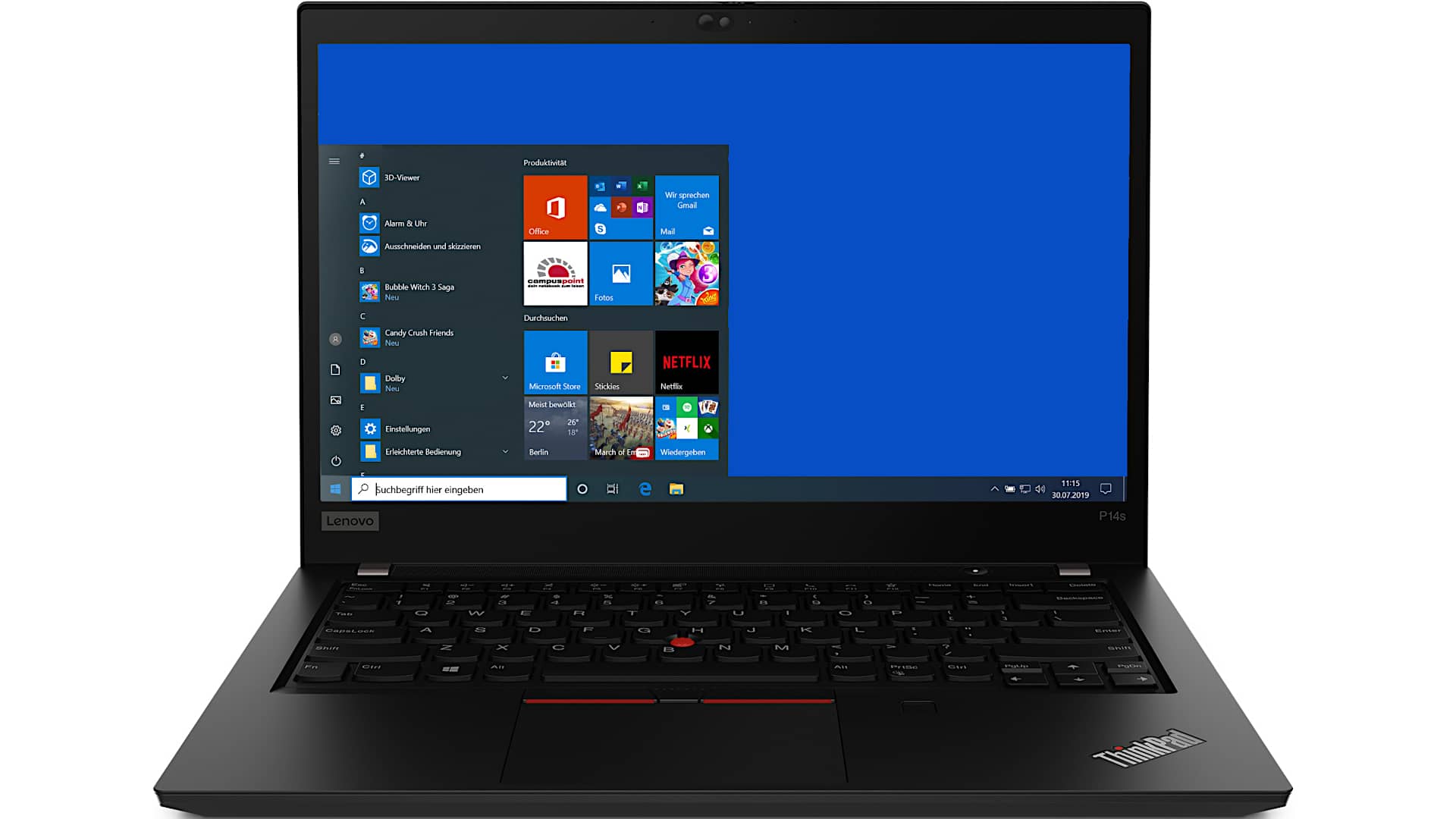
In this review, we’ll take a closer look at the Lenovo ThinkPad P14s Gen 2, a lightweight mobile workstation designed for professionals who need reliability, portability, and workstation-class certifications without carrying a large, heavy machine.
Lenovo offers both Intel and AMD versions of this model. The AMD edition features Ryzen 4000 Pro processors, while the version reviewed here is powered by Intel’s 11th-generation processors.
The ThinkPad P-series is traditionally known for powerful mobile workstations used by engineers, designers, and CAD professionals. Many models in the lineup are large and relatively heavy because they are built to handle intensive workloads such as rendering, simulation, and 3D design. The P14s, however, takes a different approach by focusing on portability while still retaining some workstation capabilities.
Slim, Lightweight, and Easy to Carry
Unlike Lenovo’s larger workstation models, the ThinkPad P14s Gen 2 is designed as a thin-and-light business laptop. There is also a larger 15-inch sibling, the P15s, which offers a similar overall experience.
This model doesn’t use high-powered 45-watt H-series processors or workstation-grade graphics designed for heavy rendering. Instead, it’s aimed at professionals who need to review CAD files, present designs, write code, and handle business applications while traveling.
Its slim profile and low weight make it easy to carry throughout the workday, making it particularly appealing for programmers, consultants, engineers, and business users who value mobility.
Excellent 4K Display Option
One of the standout features of the ThinkPad P14s Gen 2 is its optional 4K IPS display.
The moment you open the laptop, the screen immediately grabs your attention. Lenovo offers standard Full HD display options, but the 4K panel is easily the most impressive choice available.
The display delivers:
- 4K UHD resolution
- Wide color gamut coverage
- HDR 400 certification
- Matte anti-glare finish
- Non-touch design
- Exceptional brightness
In testing, the panel reached approximately 541 nits of brightness, exceeding expectations. Combined with the matte finish, this makes the display surprisingly usable outdoors and in brightly lit environments.
For users who don’t need the higher resolution, Lenovo also offers 300-nit Full HD touch and non-touch variants.
Hardware and Performance
Inside the ThinkPad P14s Gen 2, Lenovo equips the system with Intel’s 11th-generation U-series processors.
Configuration options include:
- Intel Core i5 processors
- Intel Core i7 processors
- Nvidia Quadro T500 graphics
- NVMe SSD storage
- Wi-Fi 6E connectivity
The Nvidia Quadro T500 is an entry-level professional GPU. In consumer graphics terms, its performance is similar to older Nvidia MX-series solutions, providing a modest boost over integrated graphics.
While it won’t be ideal for demanding rendering tasks, it offers enough power for lighter professional workloads and certified software applications.
Professional Software Certifications
A major advantage of the P14s over standard business laptops is its workstation certifications.
The system carries ISV (Independent Software Vendor) certifications for professional applications such as:
- SOLIDWORKS
- Creo
- ArcGIS
These certifications ensure compatibility and stability when working with specialized professional software.
The laptop is best suited for reviewing models, presenting designs, and handling engineering workflows rather than performing intensive rendering or simulation work.
Comfortable ThinkPad Keyboard
As expected from a ThinkPad, the keyboard remains one of the strongest features.
Although the laptop is thin, key travel remains satisfying and tactile. The typing experience feels more traditional than some newer ThinkPad models, offering a pleasant amount of feedback with each keystroke.
Features include:
- White backlighting
- Comfortable key spacing
- Traditional ThinkPad feel
- TrackPoint pointing stick
- Precision touchpad
For developers, writers, and office professionals who spend hours typing each day, this remains one of the better keyboards available in a modern business laptop.
Impressive Connectivity
Despite its slim design, Lenovo includes an excellent selection of ports.
Available connections include:
- Two Thunderbolt 4 ports
- Two USB-A ports
- HDMI 1.4
- MicroSD card reader (UHS-II)
- Gigabit Ethernet
- 3.5mm headphone jack
- Optional Smart Card reader
This generous port selection reduces the need for adapters and dongles, which is becoming increasingly rare among thin laptops.
Security and Durability
Like most ThinkPads, the P14s Gen 2 emphasizes business-class security and durability.
Available security features include:
- Fingerprint reader
- Optional Windows Hello IR camera
- Optional Smart Card reader
- TPM security hardware
The chassis also meets ThinkPad durability standards, including resistance to:
- Dust
- Vibration
- Shock
- Extreme temperatures
Its matte-black design remains understated and professional, fitting perfectly into corporate environments.
Real-World Performance
Performance largely matches what you’d expect from a premium ultrabook.
The combination of Intel U-series processors and Nvidia Quadro T500 graphics delivers enough power for:
- Office productivity
- Programming
- CAD viewing
- Technical presentations
- Light creative workloads
The dedicated GPU also helps with older games and GPU-accelerated tasks, although gaming is not its primary focus.
For serious 3D rendering, engineering simulations, or advanced architectural workloads, users would likely benefit from a more powerful workstation.
Cooling and Noise Levels
Thermals are generally well-managed.
The cooling fan activates fairly often, even during moderate workloads, but it remains relatively quiet and unobtrusive. Rather than producing loud bursts of noise, the fan emits a gentle background sound that rarely becomes distracting.
Surface temperatures stay comfortable during everyday use. Even under heavier workloads, heat is mostly confined to the underside of the chassis.
The carbon-fiber construction also feels more pleasant against the skin compared to many aluminum ultrabooks.
Battery Life
Power comes from a 51Wh battery paired with a 65-watt USB-C fast charger.
Because the system uses low-power ultrabook processors and an efficient Quadro T500 GPU, battery life is quite respectable.
During typical business usage—including web browsing, office work, and Wi-Fi connectivity at roughly 200 nits of brightness—the laptop can deliver approximately:
- 9 to 10 hours of real-world battery life
This makes it a dependable option for professionals who spend much of the day away from a charger.
Upgradeability and Internal Design
Accessing the internals requires removing several visible Phillips-head screws. Users should first remove the Nano SIM tray before taking off the bottom cover.
Once inside, you’ll find:
- One user-accessible RAM slot
- Partially soldered memory
- One NVMe SSD slot
- Wi-Fi module soldered to the motherboard
- Optional LTE expansion area
- 51Wh battery
- Single cooling fan and heatpipe assembly
Memory configuration varies depending on the model:
- 8GB or 16GB is soldered directly to the motherboard
- Additional memory is installed in the single RAM slot
Maximum supported memory reaches 32GB when configured with 16GB soldered memory plus a 16GB module.
While not as upgrade-friendly as larger workstations, having at least one RAM slot is still appreciated in today’s ultrabook market.
Final Verdict
The Lenovo ThinkPad P14s Gen 2 occupies a unique position in Lenovo’s lineup. It’s technically a mobile workstation, but it’s really best viewed as a premium business ultrabook with workstation certifications.
Its biggest strengths include:
- Outstanding optional 4K display
- Excellent keyboard
- Lightweight design
- Plenty of ports
- Strong battery life
- Professional software certifications
It’s not intended to replace Lenovo’s larger workstation models for heavy rendering or engineering workloads. Instead, it serves professionals who need mobility, reliability, and enough workstation functionality to work with specialized applications while on the move.
For users who appreciate the classic ThinkPad design and want a portable workstation-oriented laptop, the ThinkPad P14s Gen 2 is a very well-rounded option with few significant weaknesses.
Lenovo ThinkPad P14s (Gen 2)
-
Performance - 95%95%
-
Price - 94%94%
-
Value - 95%95%