In this article, I give you my solution to the problem I had when the resolution changed to 640×480 after a restart on my PC. I have Windows 10 Pro version 20H2, but I am pretty sure that some of this can help anyone who has a similar problem.
On my PC, I have an Nvidia GTX 1050Ti GPU that is connected via a DisplayPort cable to a 1920×1080 monitor. All was running fine until I restarted my computer, and after booting to Windows again, the resolution was set to 640×480 max and recommended.
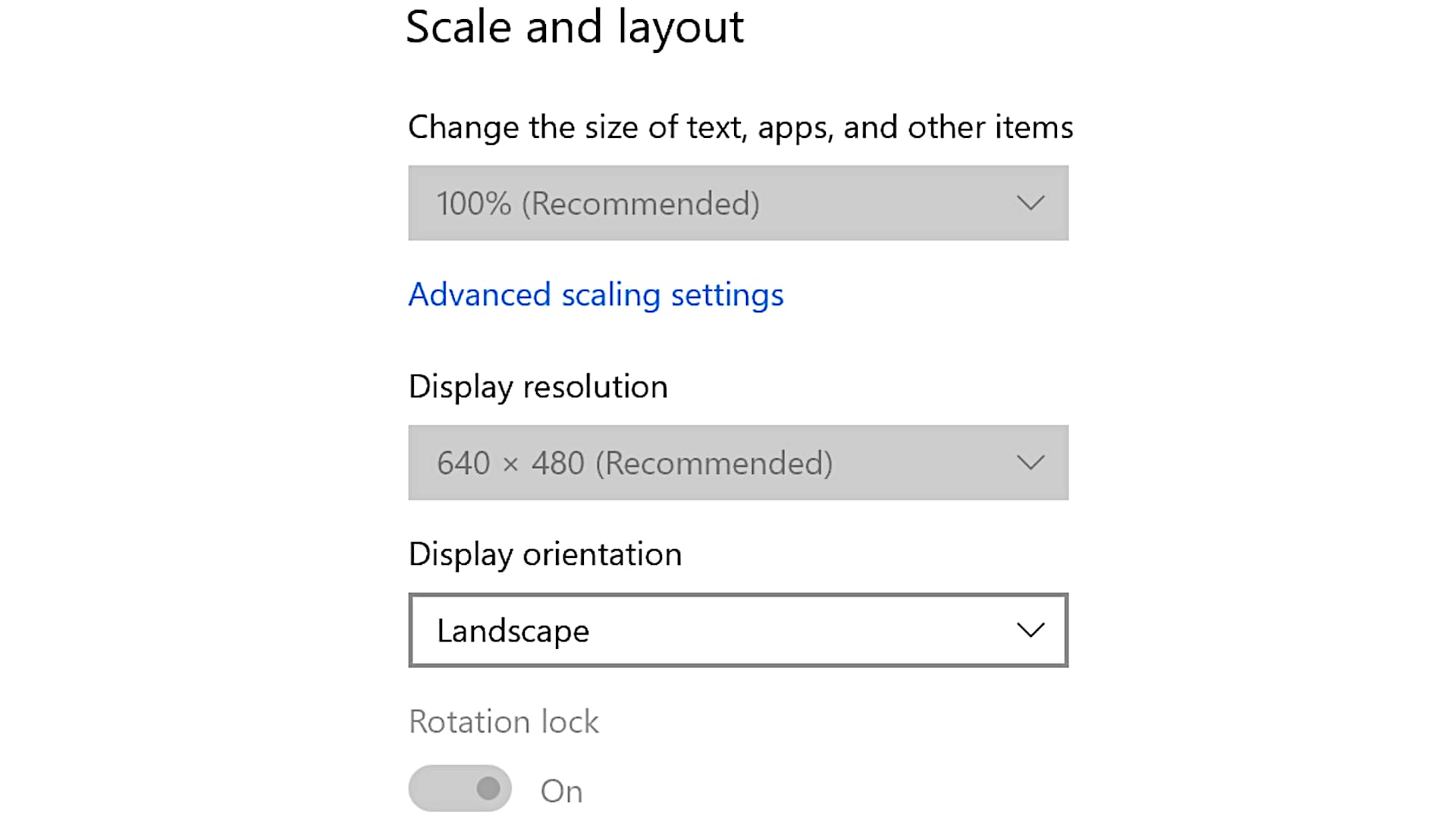
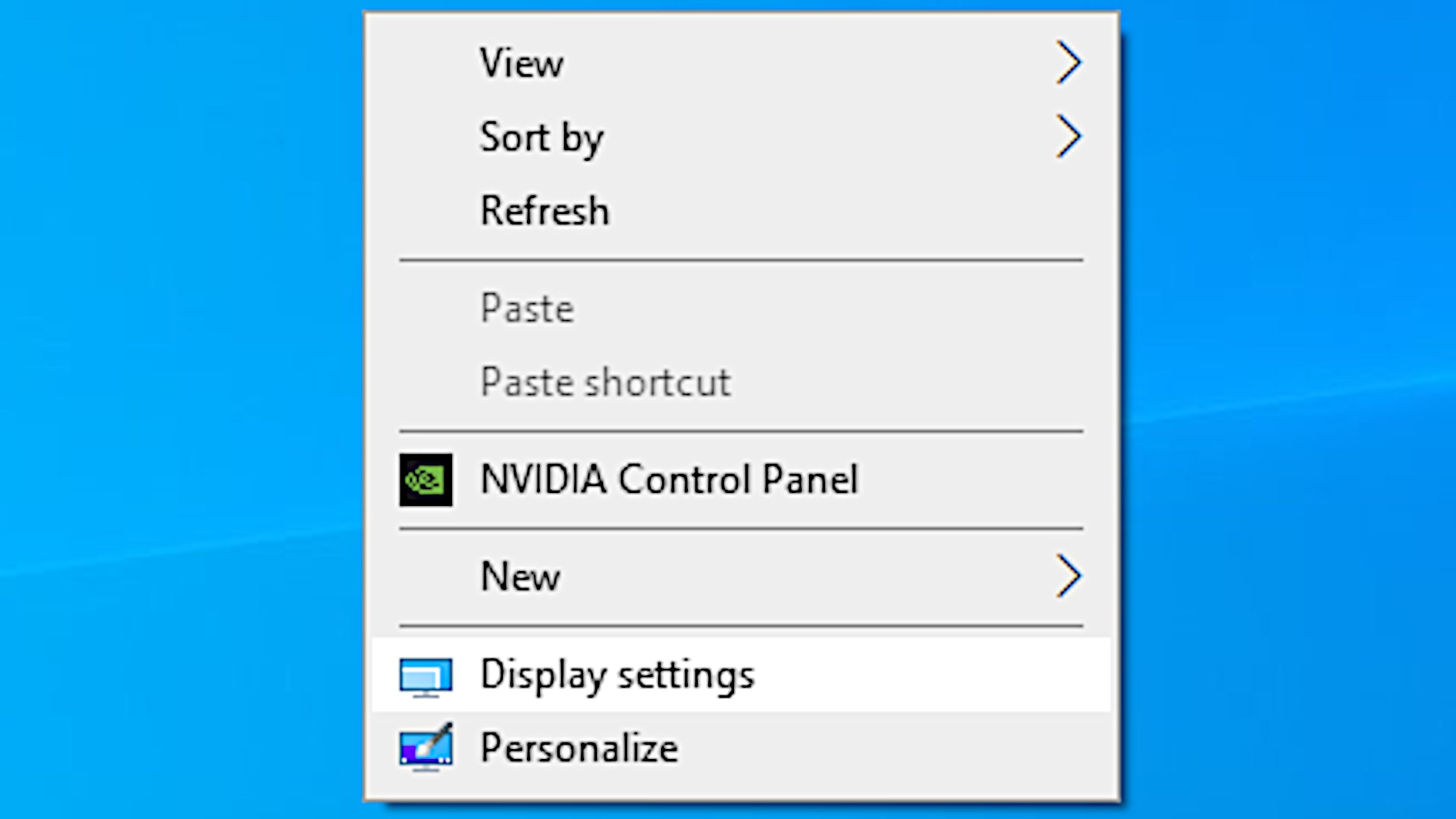
I went to the Desktop, then right-clicked and selected Display settings, and I saw that the Display resolution was set to 640×480 (Recommended) without a way to change it, as the selection box was disabled for entries.
I solved this problem by disconnecting the DisplayPort cable and reconnecting it again.
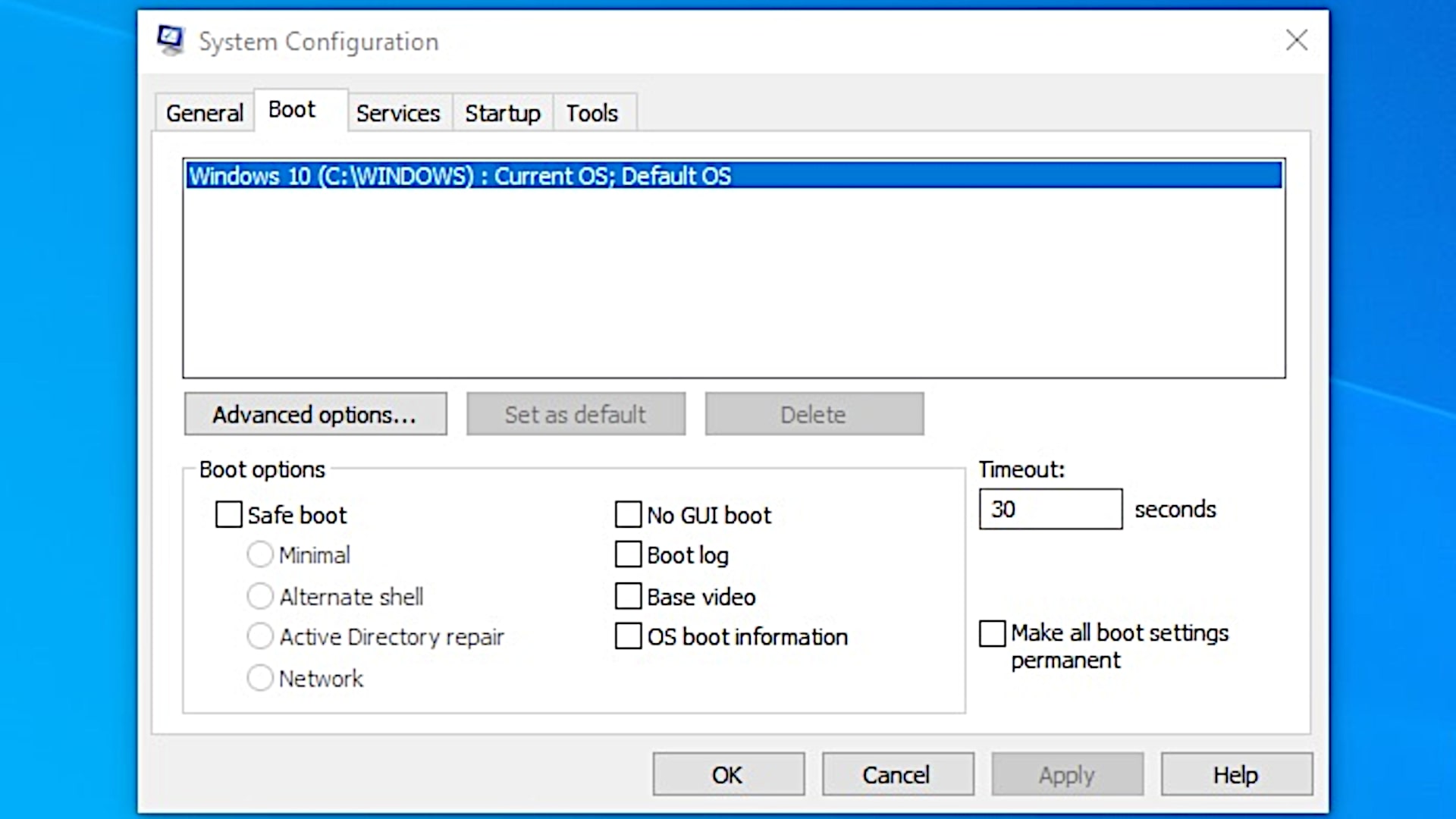
One thing that I recommend is to check System Configuration (Start > Search ‘System Configuration’) and then look at the Boot tab to see that the Base video option is not checked.